
Prerequisites
- A merchant account on Hostfully
- An account registered with Authenticate
Step-by-Step Integration Process
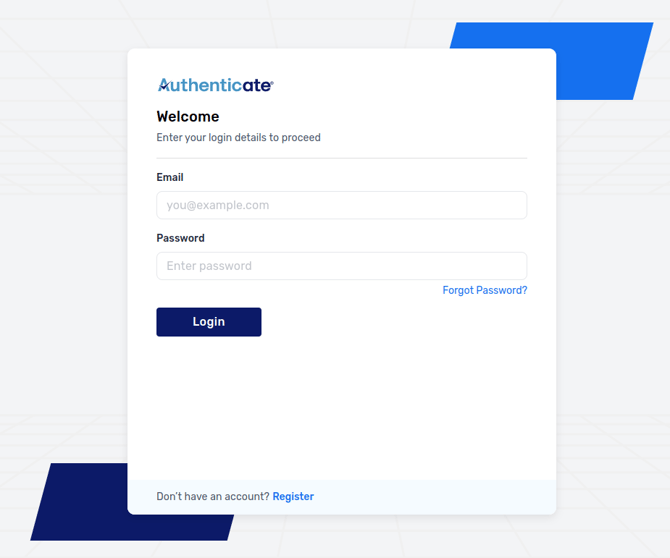
- Log in to your Authenticate Portal.
- Navigate to the
Integrationssection in the left-hand menu, selectHostfully, and then clickConnect to Hostfullyfrom the Hostfully integration page.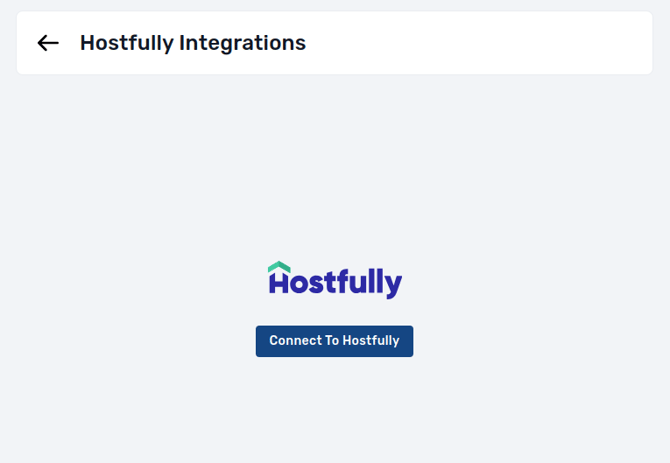
- An authorization window will appear. Click the
Allowbutton.-2.png?width=670&height=621&name=image%20(1)-2.png)
- Once integration is activated, you will need to grant access to Hostfully properties which you want to import in Authenticate.
-1.png?width=670&height=416&name=image%20(2)-1.png)
- To do that navigate to Hostfully → Integrations → Authenticate → Settings

- Then toggle the button ON for enabling access to Hostfully properties
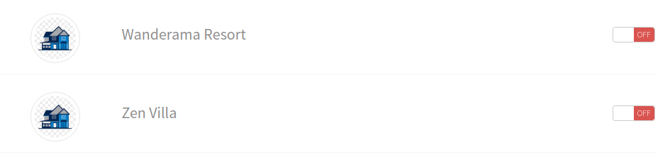
- Properties will be synced automatically on enabling access into a Brand on Authenticate. You can configure workflows, set pass criteria, or create new brands to assign different workflows per property.
-1.png?width=670&height=448&name=image%20(3)-1.png)
- To do that navigate to Hostfully → Integrations → Authenticate → Settings
- Authenticate also adds 8 custom fields in Hostfully, upon successful integration.
.png?width=670&height=457&name=image%20(4).png)
- When a new booking is created in Hostfully:
- A user and verification link will be automatically generated based on the associated brand’s workflow, in Authenticate.
- The user profile and verification link will be added to the booking in Hostfully and can be viewed in
Data..png?width=670&height=451&name=image%20(5).png)
- The verification link can be send to guest using creating custom template and triggers in Hostfully.
- Once the guest completes identity verification through the verification link, the custom fields in the corresponding Hostfully booking will be automatically updated with the verification results.
.png?width=670&height=691&name=image%20(6).png)
With Authenticate and Hostfully working together, guest verification becomes a smooth, secure, and fully automated part of your workflow which gives you the confidence to focus on what matters most.